My 2026 developer setup: the hardware I actually use every day
An honest look at the hardware in the setup I use 8 hours a day for programming: mouse, monitor mount, charger, CPU cooler and speakers. What works and what does not.
There are two kinds of “my setup” articles. The ones with a photo of 30 things that sell dreams, and the ones that tell you what hardware someone really uses for months, where it falls short, and what they would change if they started from scratch. This one is the second kind.
I have spent years iterating on my work desk hardware. Right now I write code between 6 and 9 hours a day, compile heavy things, do code reviews, read long docs and occasionally play games. Everything I mention here is on my desk right now, doing a specific job. It is not an aspirational list; it is the inventory of what survived.
What I look for in work hardware
After trying far too many things, my filter for any piece of the setup comes down to four objective criteria:
- I should not think about it while I work. The best hardware is invisible. If a piece makes me think about itself (noise, discomfort, a button that responds badly) after 3 hours, it will not last on my desk.
- It should last for years. I would rather pay €65 for a mouse every 4 years than €15 for one every 6 months. The economics of office accessories are counterintuitive: the expensive ones tend to work out cheaper.
- It should be quiet. I am on video calls often. A loud click, an audible fan, a sound notification — all of that goes out.
- It should not depend on the manufacturer’s cloud. Proprietary software that breaks when the brand changes strategy is my worst-case scenario. The more standard and local, the better.
With those filters, these are the current pieces of my setup:
My recommendations
The mouse for 8 hours without pain
I spent years jumping from mouse to mouse until this one. The combination of ergonomics (there is a built-in palm rest in the shape), the MagSpeed wheel that switches between precise and free scrolling, and the silent buttons make it the only mouse I do not feel at the end of the day. If you program more than 4 hours a day, it is one of the best investments you can make in your wrist health. It is not for gaming — the shape is not a gaming shape — but for productivity it is hard to beat.
Who it is for: any developer, editor or analyst who spends more than 4 hours a day on the mouse. If you do less than that, a €15 Logitech M185 will do just as well.
The mount that frees up 40 cm of desk
Two monitors on their original stands take up half the desk. This dual gas-spring arm not only frees the space underneath, it also lets you set the exact height so you are not looking down. The gas spring sounds like a technical detail, but it is the difference between “I put it where I want with one finger” and “I adjust it with an Allen key every time”. Over time, your neck and shoulders thank you for the right ergonomic adjustment.
Who it is for: any setup with two monitors up to 27” (and under 8 kg each). If you have a single ultrawide, look at single mounts instead of dual ones.
The charger that replaces three
Working away from home used to mean carrying 3 chargers: laptop, phone, earbuds. This GaN charger has 3 ports (2× USB-C + 1× USB-A) in a block the size of a phone charger. It charges the laptop at 65W while the phone and earbuds draw from the same outlet. Since I got it, the original Acer Nitro charger has been gathering dust in a drawer.
Who it is for: anyone who regularly takes their laptop out of the house. If you only work at a desk it is less critical — though not wasting 2 outlets is always a win.
The CPU cooler you will never look at again
Cooling is the one PC component I prefer to over-specify. A liquid AIO can leak, the pump fails, the tubes degrade. A well-made air cooler lasts decades with no maintenance. The NH-D15 keeps my i5-13600KF below 65°C in heavy compiles and is practically inaudible at idle. It is ugly, brown, enormous — and I do not care, because I will not touch it again for years.
Who it is for: any build with no case size restrictions (measure before buying: 165mm tall) that will do long compiles or any sustained work. If your PC only browses the web, a stock cooler is enough.
The speakers that upgrade the desk
For sessions when I do not want to put on headphones (working alone at home, background music, the occasional presentation), these desktop speakers with USB-C + Bluetooth 5.3 are a notable step up from the monitor’s built-in ones. The drivers angled 45° towards the listener make a difference: the stereo image is wide for what they are. They do not replace €200 speakers, but at €50 they are one of the best desk upgrades I have made.
Who it is for: anyone still using their monitor’s speakers. The jump is big. If you already own something above €100, they add nothing new.
What I would NOT buy
Three categories where the hype is not justified in my experience:
Premium mechanical keyboards (€200+). I went through that phase. A €60 mechanical keyboard with brown switches gives you 90% of the experience at a third of the price. The diminishing returns above €100 are huge. There are exceptions (split keyboards, custom layouts) but for a generic developer it is money badly spent.
Branded “gaming” chairs. They may look good, but ergonomically a traditional ergonomic office chair (Herman Miller, Steelcase, or decent clones) wins on everything. A chair where you will spend 8 hours a day should not be an aesthetic decision.
RGB or “curved gaming” monitors for work. Unless you do critical colour work or competitive gaming, any decent IPS or VA monitor at 100-144Hz with good factory calibration is enough. Spending €800 on a “pro” monitor and not calibrating it is throwing money away.
Conclusion: where I would start if I had to build a new setup
If I were building everything from scratch with a €500 budget, my order of priority would be:
- A decent mouse (MX Master 3S or a quiet clone) — €65. The most used, the one that affects your health most.
- A monitor mount (HUANUO dual or similar) — €60-70. Pure ergonomics, immediate return.
- A multi-port GaN charger — €25. If you take your laptop out of the house.
- An ergonomic chair (used Herman Miller, new Sihoo) — €200-300. The most underrated item.
- Desktop speakers if you no longer want to wear headphones all day — €50.
Everything else (keyboard, webcam, microphone, lights, deskmat) can wait. The core of a productive setup is 4-5 well-chosen pieces, not 15 new things.
What would you change? If anything here seems unnecessary to you, or a piece you consider essential is missing, I would like to hear it.
Products mentioned
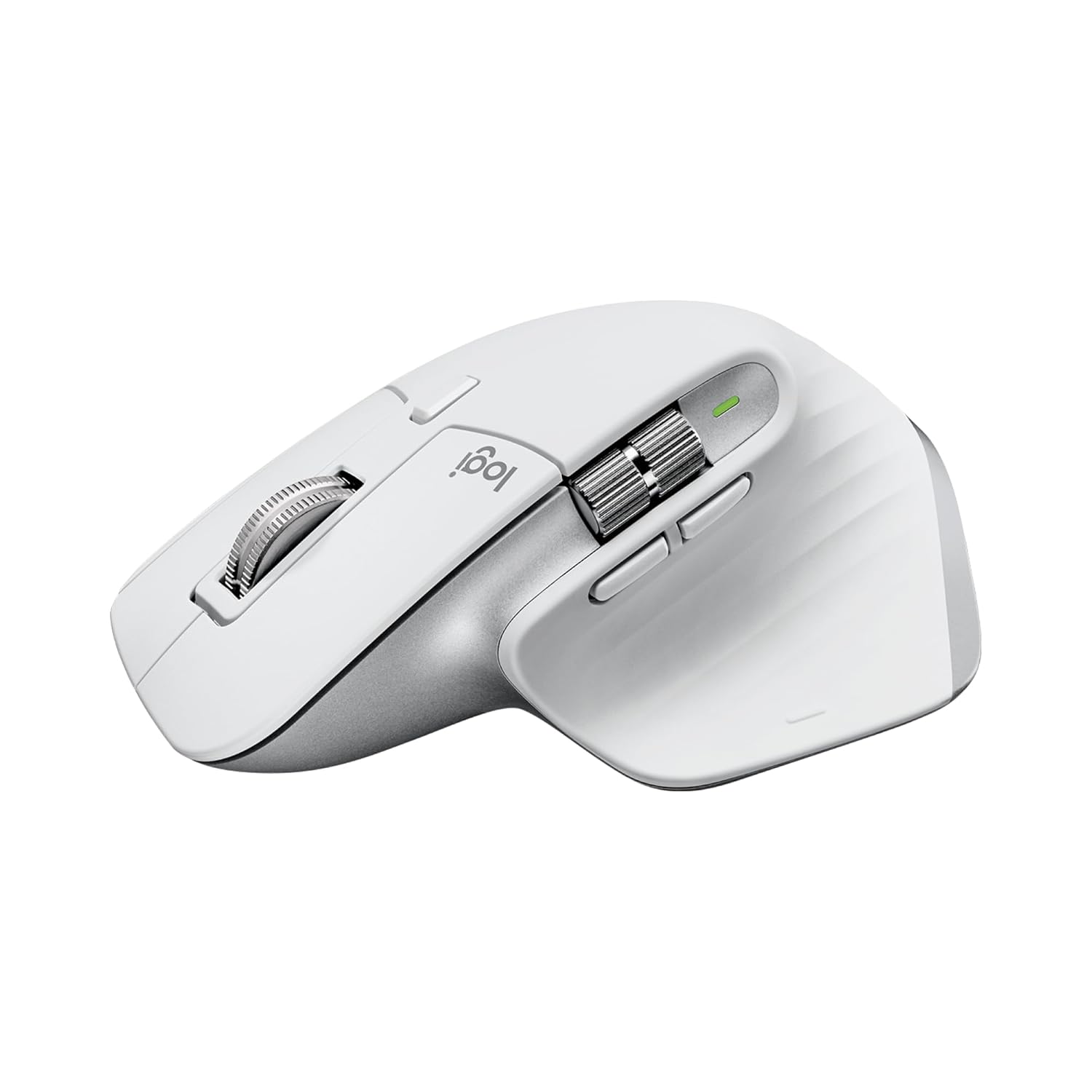
Logitech MX Master 3S
Ratón ergonómico con sensor de 8000 DPI, scroll MagSpeed y conexión a 3 dispositivos. Lo uso 8 horas al día para programar y no me duele la muñeca.
69.99€
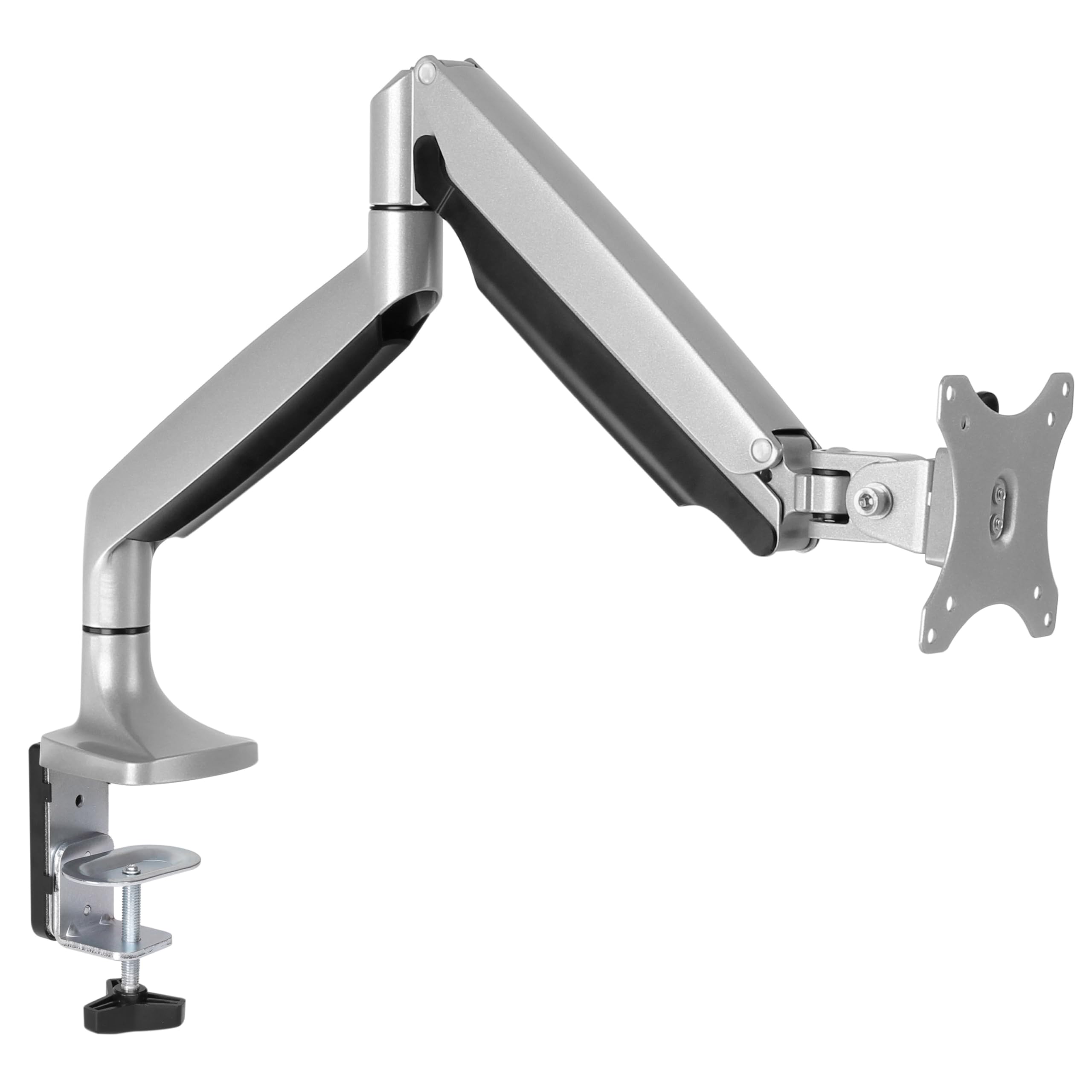
HUANUO Soporte Dual Monitor
Brazo de gas doble para pantallas de 13-27". Liberé espacio del escritorio de golpe y ahora puedo ajustar la altura perfecta para programar sin dolor de cuello.
59.99€
69.99€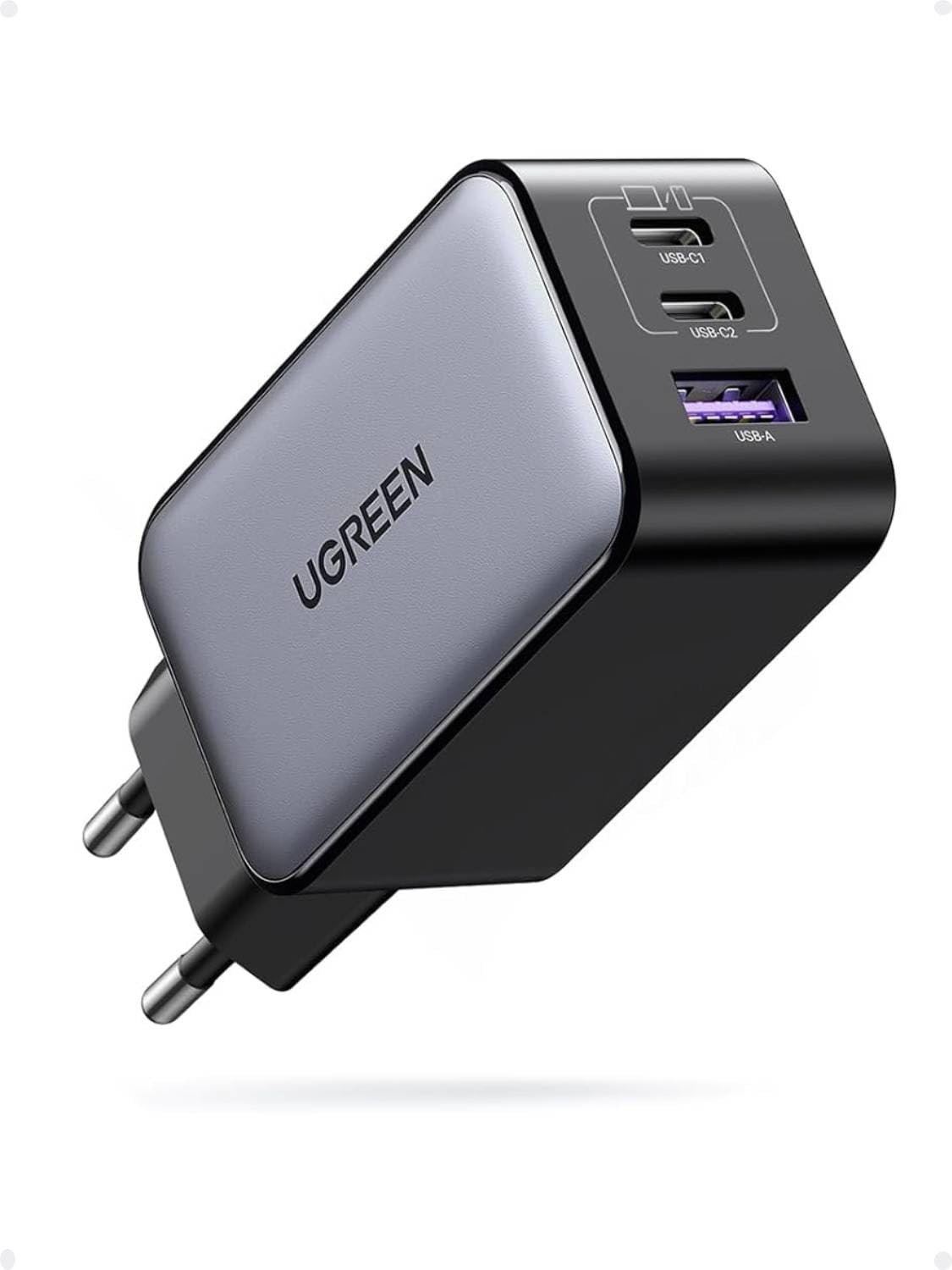
UGREEN Nexode 65W GaN
Cargador GaN con 3 puertos (2x USB-C + 1x USB-A) que carga el portátil y el móvil a la vez. Ocupa la mitad que el cargador original del Acer.
21.99€
29.99€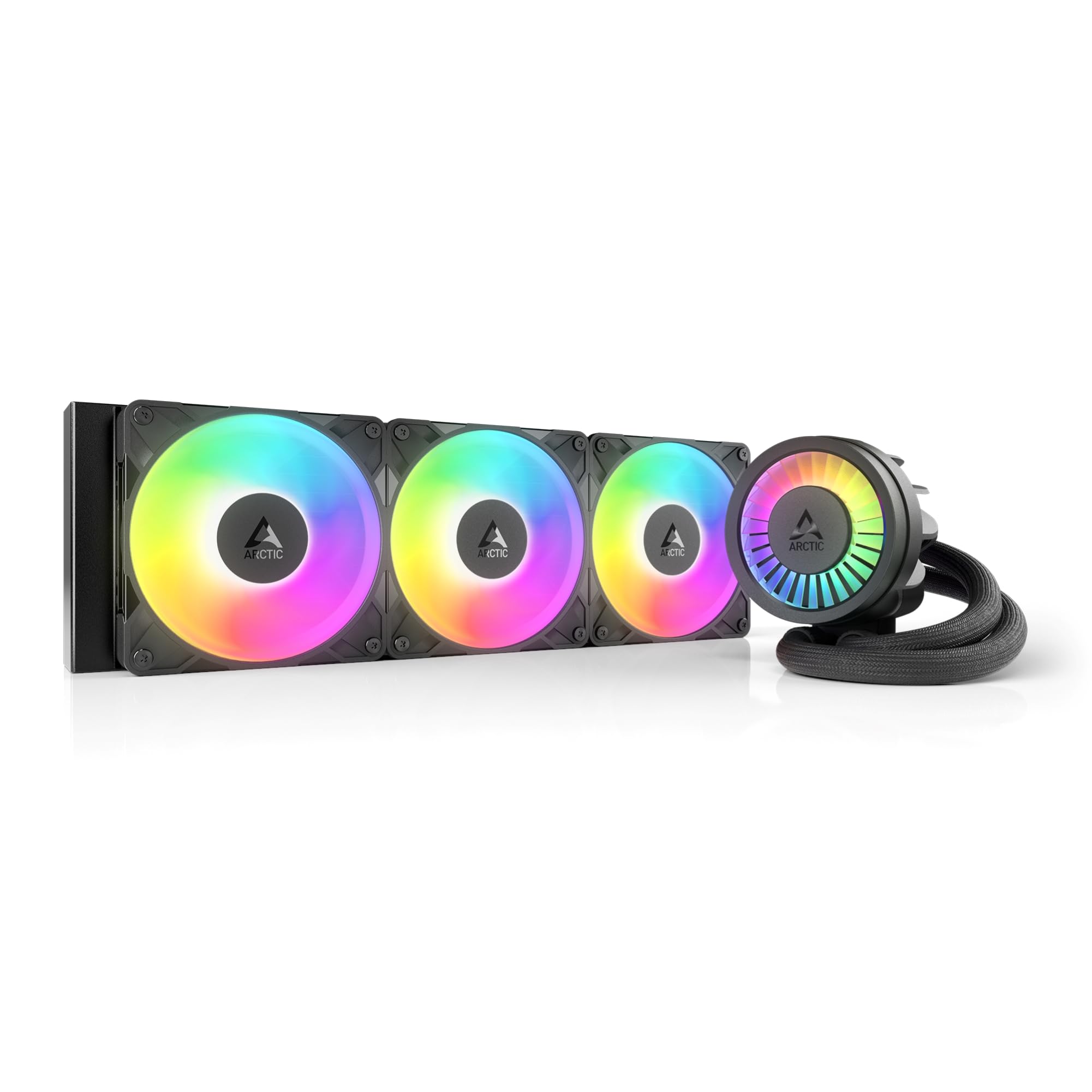
Noctua NH-D15
El disipador por aire legendario. Doble torre, doble ventilador, cero ruido. Mi i5-13600KF no pasa de 65°C ni en compilaciones pesadas. Feo pero perfecto.
109.9€
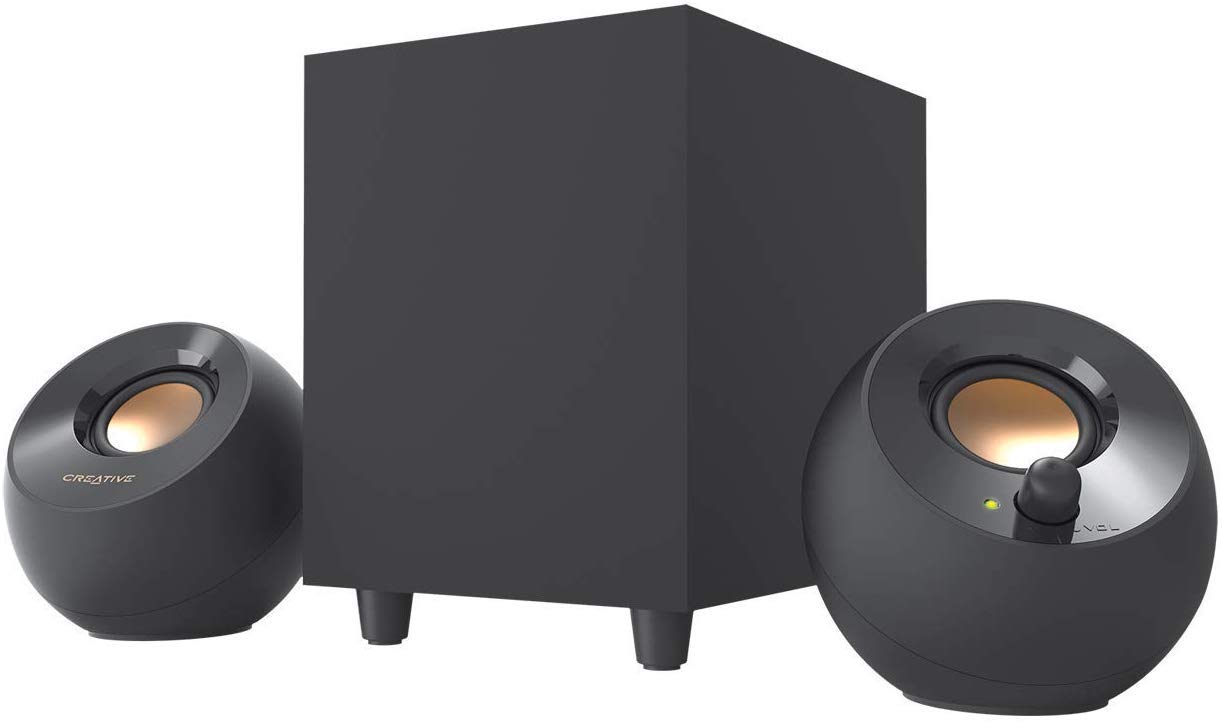
Creative Pebble Pro
Altavoces de escritorio con USB-C, Bluetooth 5.3 y RGB sutil. Por menos de 50€ le dan vida al setup sin ocupar apenas espacio.
57.99€