How to build a 1440p gaming PC: the parts I would pick and the compatibility checks to make
A guide to building a 1440p gaming PC around an RTX 5070: graphics card, power supply, memory, SSD and case, plus the compatibility checks you should not skip before buying.
Building a PC is scarier than it deserves to be. The hard part is not screwing parts together, it is picking parts that work together. Here is the outline I would follow for a PC meant for 1440p gaming and work, with the parts I recommend most for each slot and, above all, the compatibility checks worth making before you pay.
I leave out the processor and motherboard: they depend on whether you prefer Intel or AMD and whether you go DDR4 or DDR5, and your budget decides that. Everything else is settled.
The order in which I choose parts
- Graphics card. It drives gaming performance and budget, so it comes first.
- Power supply. Sized for the graphics card, not the other way around.
- Case. It has to fit the graphics card and the CPU cooler.
- Memory and SSD. The easiest things to change or expand later.
The parts
The graphics card: GIGABYTE RTX 5070 WINDFORCE OC SFF
GIGABYTE GeForce RTX 5070 WINDFORCE OC SFF 12G
The RTX 5070 is the sweet spot of the 50 series for 1440p at high quality: 12 GB of GDDR7, a 192-bit bus and DLSS 4 with frame generation. This Gigabyte version is SFF-Ready, meaning it also fits small cases. The only serious limit is the 12 GB if you aim for 4K with maximum textures.
The power supply: Corsair CX650
Corsair CX650 650W 80 Plus Bronze
NVIDIA recommends 650 W for an RTX 5070, and the CX650 meets exactly that: 650 W continuous, 80 Plus Bronze, a quiet 120 mm fan and only 125 mm long. It is not modular, so you have to hide the spare cables. If you think you will move up to a bigger graphics card someday, go for 750 W and save yourself replacing it.
The memory: Corsair Vengeance LPX 16 GB DDR4
Corsair Vengeance LPX 16GB DDR4 3200MHz
Only if your motherboard is DDR4. It is the classic low-profile memory: it fits under big coolers and works with almost everything. Remember to enable the XMP profile in the BIOS to reach 3200 MHz. If you are building from scratch, consider a DDR5 platform and 32 GB.
The SSD: Kingston NV3 500 GB
Kingston NV3 500GB NVMe PCIe 4.0
A PCIe 4.0 NVMe with up to 6,000 MB/s for the system and programs. Between the operating system and a couple of games, 500 GB fills up fast: if your budget allows, buy the 1 TB version or add a second drive for games.
The case: MSI MAG FORGE 112R
Four ARGB fans included, a mesh front, tempered glass and room for graphics cards up to 330 mm. At around €65 it is one of the best-value options. It has one catch, which I explain right below.
Compatibility checks you should not skip
| What to check | Limit | Why it matters |
|---|---|---|
| CPU cooler height | Up to 160 mm in the MSI Forge 112R | The Noctua NH-D15 is 165 mm tall and does not fit. Pick a cooler up to 160 mm, such as the Peerless Assassin 120 SE (155 mm; I compare it with the NH-D15), or change the case. |
| Graphics card length | Up to 330 mm | Check the exact size of your model before buying. |
| Power supply | ATX up to 200 mm | The CX650 is 125 mm, no problem. |
| Power supply wattage | 650 W recommended for the RTX 5070 | Also check the power connectors your graphics card needs. |
| Memory type | DDR4 or DDR5 depending on the motherboard | They are not interchangeable: buy what your motherboard supports. |
| SSD slot | M.2 NVMe PCIe 4.0 | Confirm it in the motherboard specifications. |
The first one catches the most people off guard. The NH-D15 is an excellent cooler, but it is huge, so if you want one in that class you need a case with room to spare. With the Forge 112R, the logical option is a cooler up to 160 mm.
Approximate budget
Adding up the reference prices of the five parts above (graphics card, power supply, memory, SSD and case), the total comes to around €1,280 without processor or motherboard. These are reference prices and they change: the graphics card is by far the heaviest item, and DDR4 memory is pricier than it should be, so compare before buying.
What I would NOT buy
- A borderline power supply thinking “I will replace it later”. The power supply protects everything else: it is the last place to save money.
- A case for the RGB. Look at airflow and maximum dimensions first; the lights matter least.
- Memory or an SSD from an unknown brand to save a few euros. The price difference is tiny and the risk of problems is not.
Where to start on a tight budget
- Graphics card: where you buy the most performance per euro.
- Power supply: sized for the graphics card, with some margin.
- A case with good airflow and generous dimensions.
- A 1 TB SSD rather than 500 GB if you can.
- Memory: 16 GB to start, expandable later.
If you already own some parts, tell me which ones and what budget range you are working with: the combination changes quite a lot between a DDR4 and a DDR5 platform.
Products mentioned
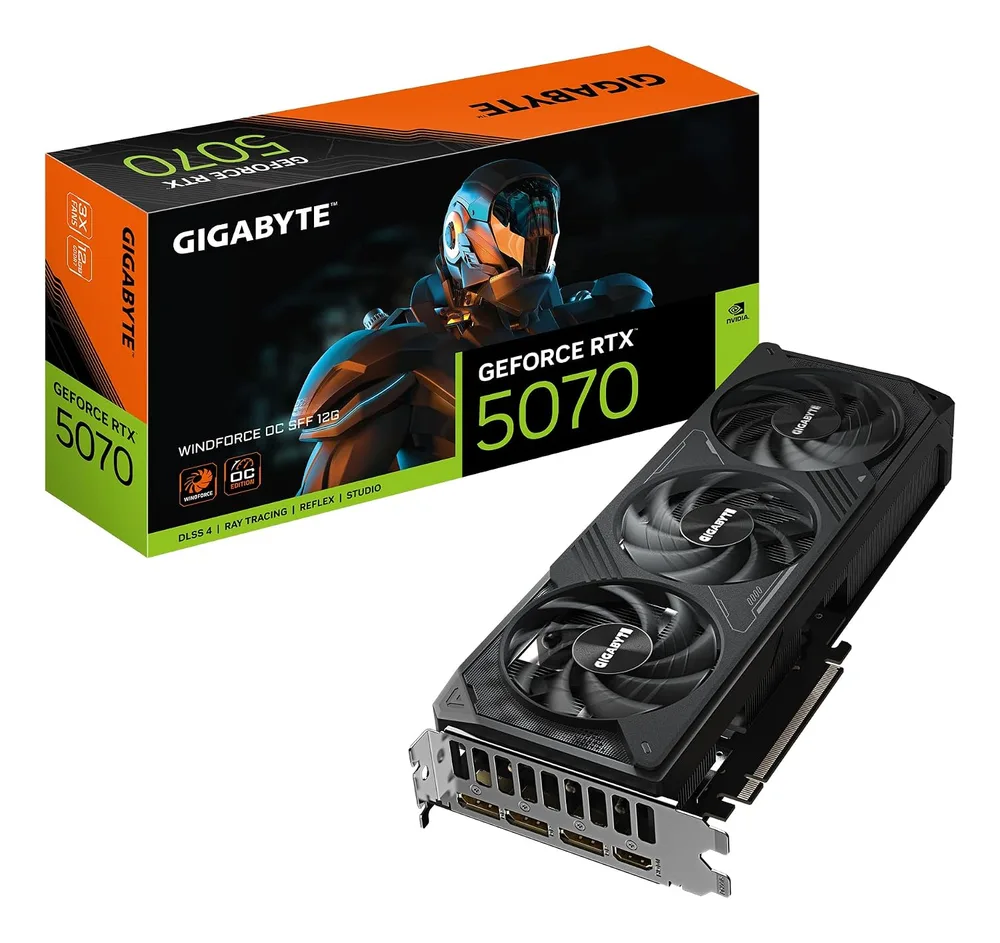
GIGABYTE GeForce RTX 5070 WINDFORCE OC SFF 12G
RTX 5070 con 12 GB GDDR7, refrigeración WINDFORCE y formato SFF-Ready para cajas compactas. DLSS 4 y gaming a 1440p sin sudar.
1048.28€
1099.99€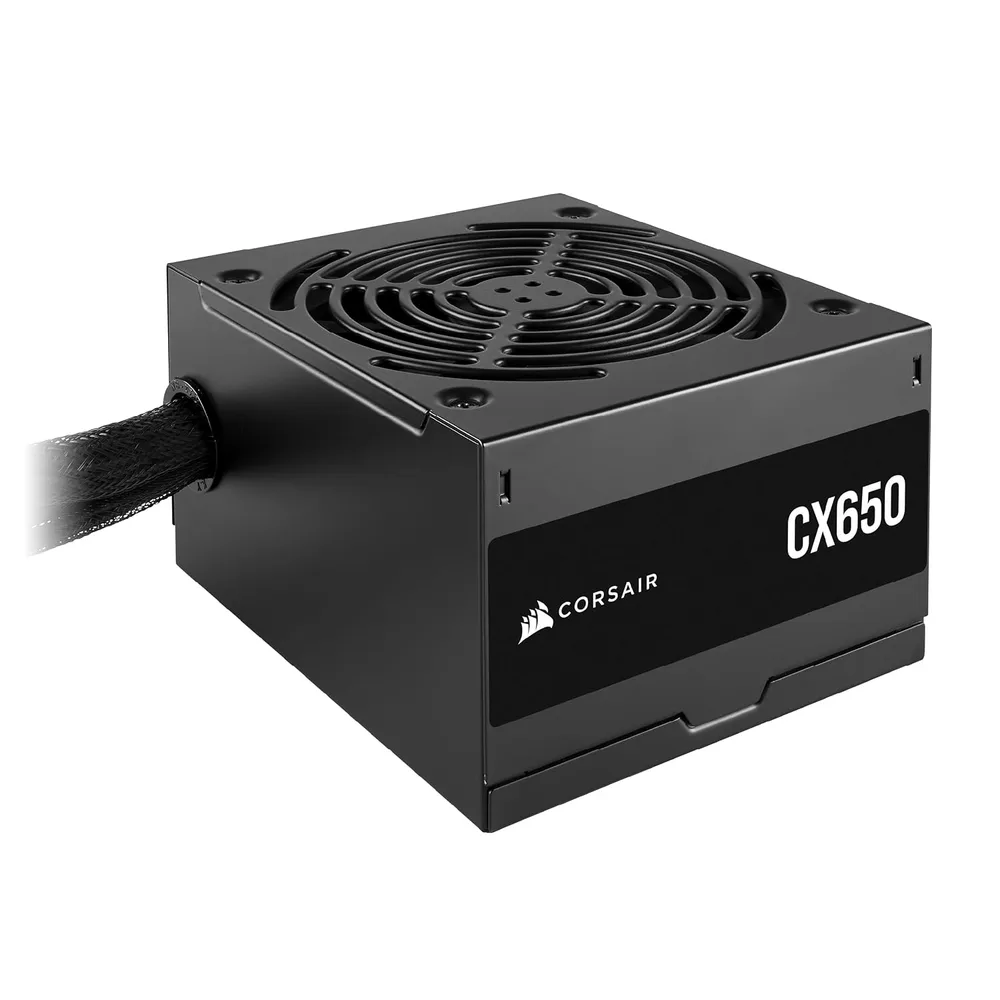
Corsair CX650 650W 80 Plus Bronze
Fuente ATX de 650 W 80 Plus Bronze con ventilador silencioso de 120 mm y carcasa compacta de solo 125 mm.
49.9€
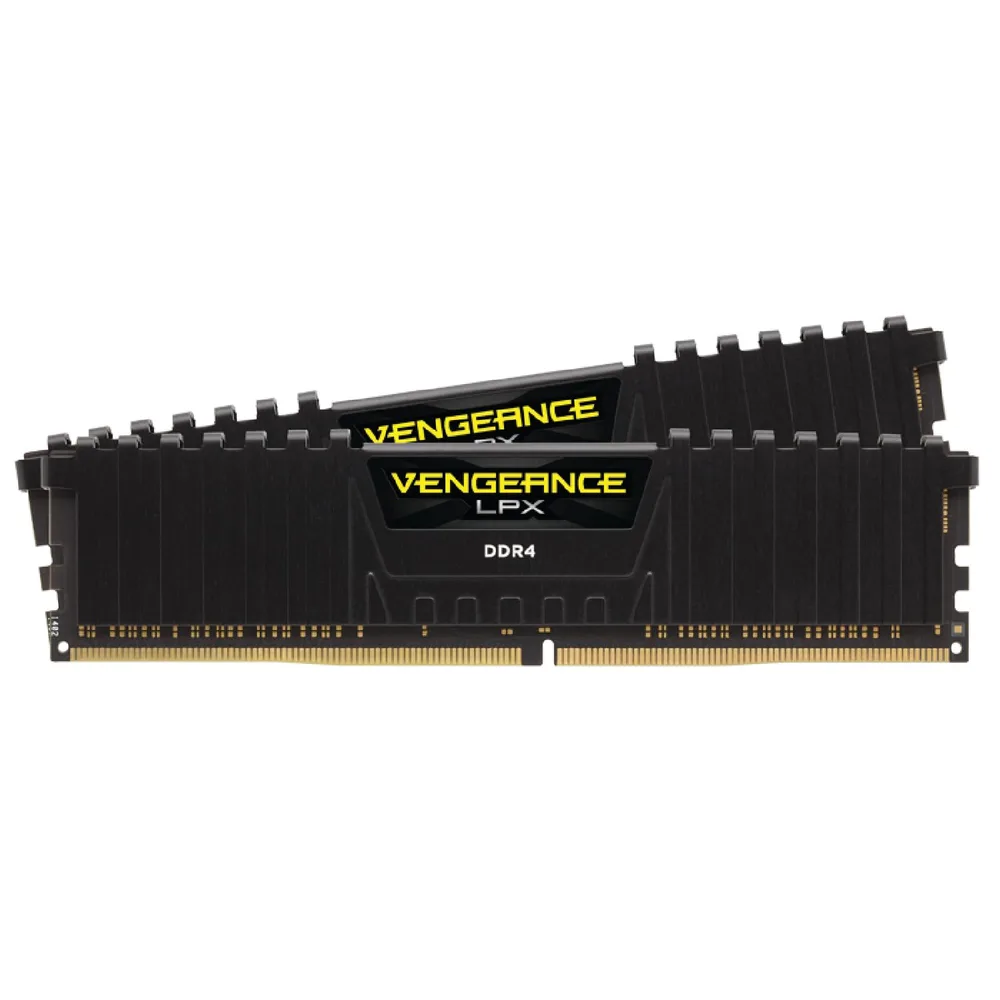
Corsair Vengeance LPX 16GB DDR4 3200MHz
Kit de memoria DDR4 de 16 GB (2x8 GB) a 3200 MHz CL16 con disipador de aluminio y perfil bajo, compatible con Intel y AMD.
Check the price on Amazon
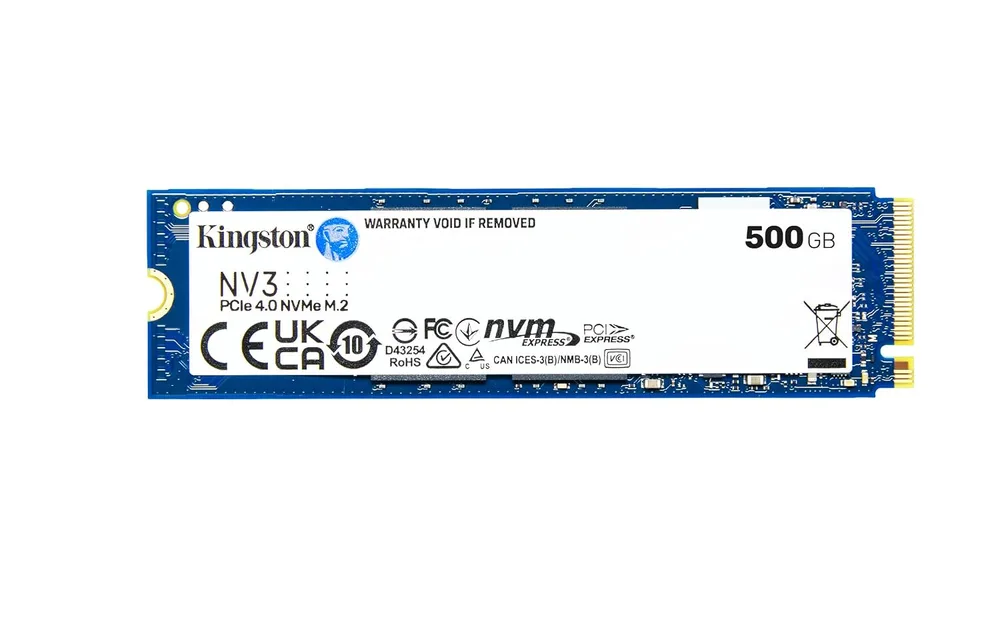
Kingston NV3 500GB NVMe PCIe 4.0
SSD NVMe PCIe 4.0 de 500 GB con hasta 6.000 MB/s de lectura. Formato M.2 2280, perfecto para el disco del sistema.
Check the price on Amazon
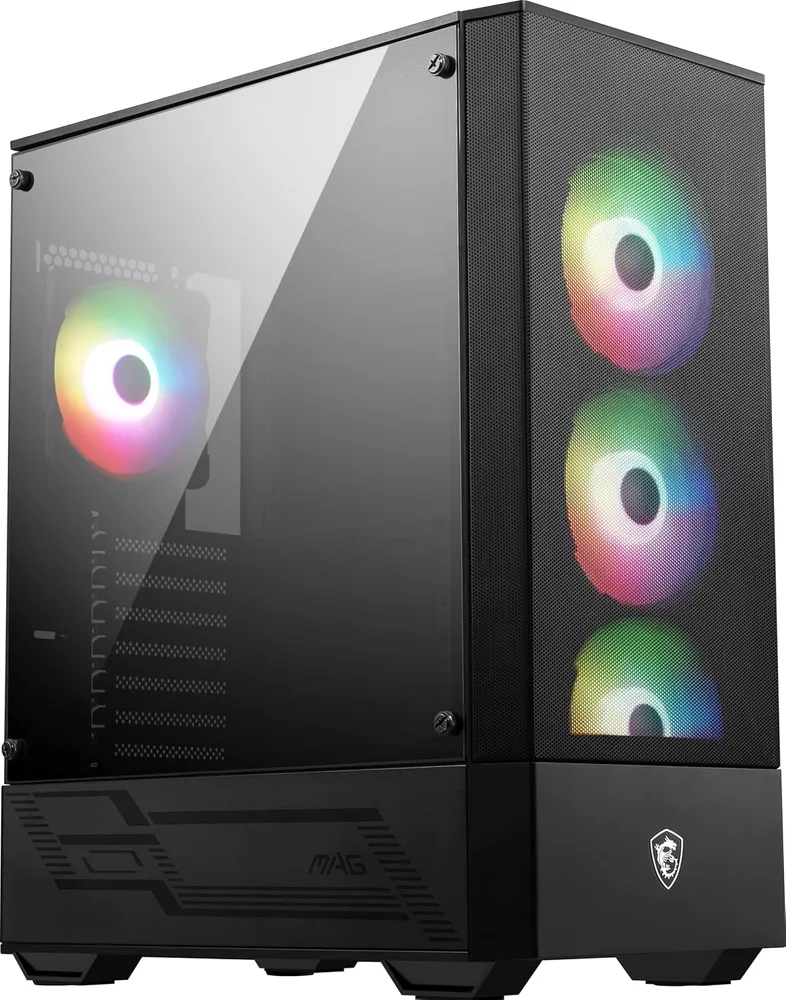
MSI MAG FORGE 112R
Caja ATX de media torre con 4 ventiladores ARGB, frontal de malla y cristal templado. Mucho flujo de aire por unos 65 €.
55.9€
59.9€
Noctua NH-D15
El disipador por aire legendario. Doble torre, doble ventilador, cero ruido. Mi i5-13600KF no pasa de 65°C ni en compilaciones pesadas. Feo pero perfecto.
109.9€