Local smart home with Home Assistant: camera, lights and voice without the cloud
A guide to building a smart home that keeps working when the internet goes down: an RTSP camera with Frigate, Matter bulbs, voice control and a drive for recordings.
The problem with commercial home automation is that almost everything depends on someone else’s cloud: if the brand changes strategy, starts charging for its API or has an outage, your lights and cameras go silent. The alternative is a local smart home, where the brain is your own server running Home Assistant and devices keep working even if the internet goes down.
This guide covers the four pieces I use to build such a system without spending a fortune: a camera, bulbs, voice control and the drive where recordings are stored.
What I look for in a smart home device
- It works locally. Open protocols (Matter, RTSP) over proprietary clouds.
- No subscription. Paying a fee to watch your own cameras makes no sense.
- It integrates with Home Assistant without hacks.
- It is cheap to repeat. If I want five cameras, I cannot spend €100 on each.
The pieces
The camera: TP-Link Tapo C200
It is the most reasonable entry point for DIY surveillance. It exposes an H.264 RTSP stream that Frigate, Home Assistant, Blue Iris or any NVR can read directly, with no cloud or subscription. It covers 360° horizontally and 114° vertically with a single motor, and night vision reaches about 9 metres. With Frigate, Home Assistant alerts you when it detects a person (not just motion), which cuts false positives a lot.
What to know: RTSP is enabled from the Tapo app, so the first setup needs an account (you can cut it off from the internet afterwards). Night vision is black and white, and compression is aggressive in low light: it is good for detecting presence, not for facial recognition.
The lights: Govee GU10 Matter
Matter is an open standard that allows local control without going through external servers. These bulbs are RGBWW (colours plus real warm and cool whites) and Home Assistant integrates them natively, so switching on, changing colour or running scenes works even with no internet. They also work at the same time with Alexa, Google Home, Apple Home and Home Assistant.
What to know: they are 345 lumens, meaning accent bulbs, not main lighting. They cost more than equivalent Zigbee bulbs, and to get the best of Matter over Thread you need a Border Router (a HomePod mini, a Nest Hub or a compatible Echo).
The voice: Amazon Echo Dot (5th gen)
To turn on a light or set a timer with your hands full, voice is more practical than opening your phone. The Echo Dot acts as a bridge between Alexa and Home Assistant: “Alexa, turn on the living room light” reaches an HA entity and runs whatever you configured. It works very well with lights and plugs, and it has a temperature sensor Home Assistant can use.
What to know: it is the only piece that depends on Amazon’s cloud, and its microphone listens continuously waiting for the wake word, which not everyone accepts. The Home Assistant integration needs setup (with paid Nabu Casa or the free manual alternative).
The drive: Seagate SkyHawk 4 TB
A desktop drive is not designed to write 24/7. The SkyHawk is: its ImagePerfect firmware is optimised for continuous video recording and it has a 180 TB per year workload rating. It is the logical place for Frigate recordings on a NAS.
What to know: it spins at 5400 RPM, so it is not suitable as a system drive or for data you access often, and it is audible. It is not a general-purpose NAS drive.
How it all fits together
| Layer | Piece | Works without internet |
|---|---|---|
| Video | Tapo C200 + Frigate | Yes, via RTSP |
| Lighting | Govee GU10 Matter | Yes, local control |
| Voice | Echo Dot | No, depends on Alexa |
| Storage | SkyHawk 4 TB | Yes |
If you want a 100% local system, voice is the only point you should replace with a local alternative, such as a Wyoming voice assistant on a Raspberry Pi.
Mistakes worth avoiding
- Buying cameras without RTSP. If they only work with their own cloud, you cannot integrate them into Frigate.
- Using an SSD or a desktop drive for 24/7 recording. They wear out sooner; a surveillance drive is built for it.
- Relying on low-lumen Matter bulbs as your main light.
- Assuming “Matter” means zero configuration. It works very well with Home Assistant, but you still have to set up the server.
Where to start
- One Tapo C200 camera and Frigate: the most rewarding and cheapest project.
- Home Assistant on a mini PC or Raspberry Pi.
- A pack of Matter bulbs for accent lighting.
- The SkyHawk drive once you have several cameras recording.
- The Echo Dot last, if you miss voice control.
If you want me to detail how to set up Frigate step by step, let me know and I will prepare it.
Products mentioned
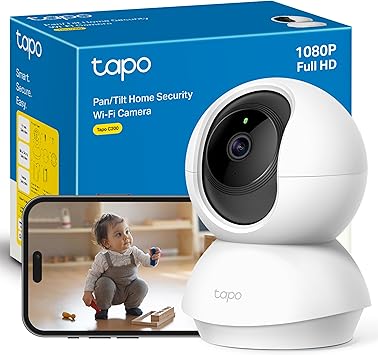
TP-Link Tapo C200
Cámara WiFi 360° con visión nocturna por 19€. La tengo integrada con Frigate y Home Assistant vía RTSP. La mejor relación calidad-precio para vigilancia DIY.
19.99€
39.99€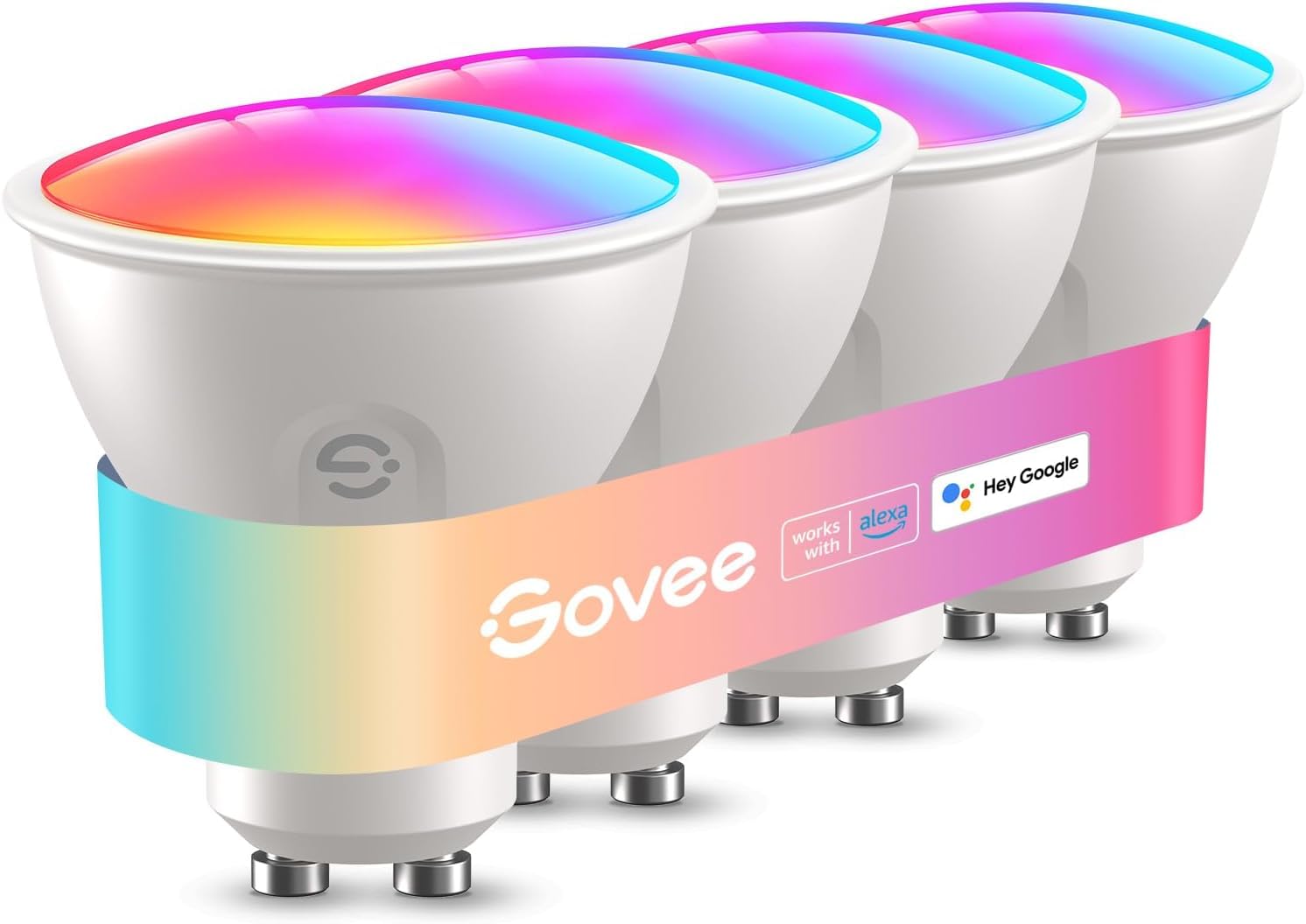
Govee Bombilla GU10 Matter
Bombilla inteligente RGBWW compatible con Matter, Alexa y Google Home. Protocolo local sin depender de la nube. Las tengo en toda la casa y van perfectas con Home Assistant.
27.99€
39.99€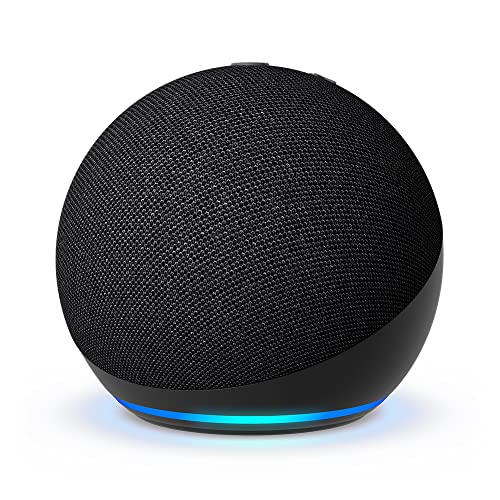
Amazon Echo Dot (5ª gen)
Altavoz Alexa compacto que uso como puente de voz para Home Assistant. Controlo luces, cámaras y rutinas sin tocar el móvil. Suena bien para música de fondo.
39.99€
89.99€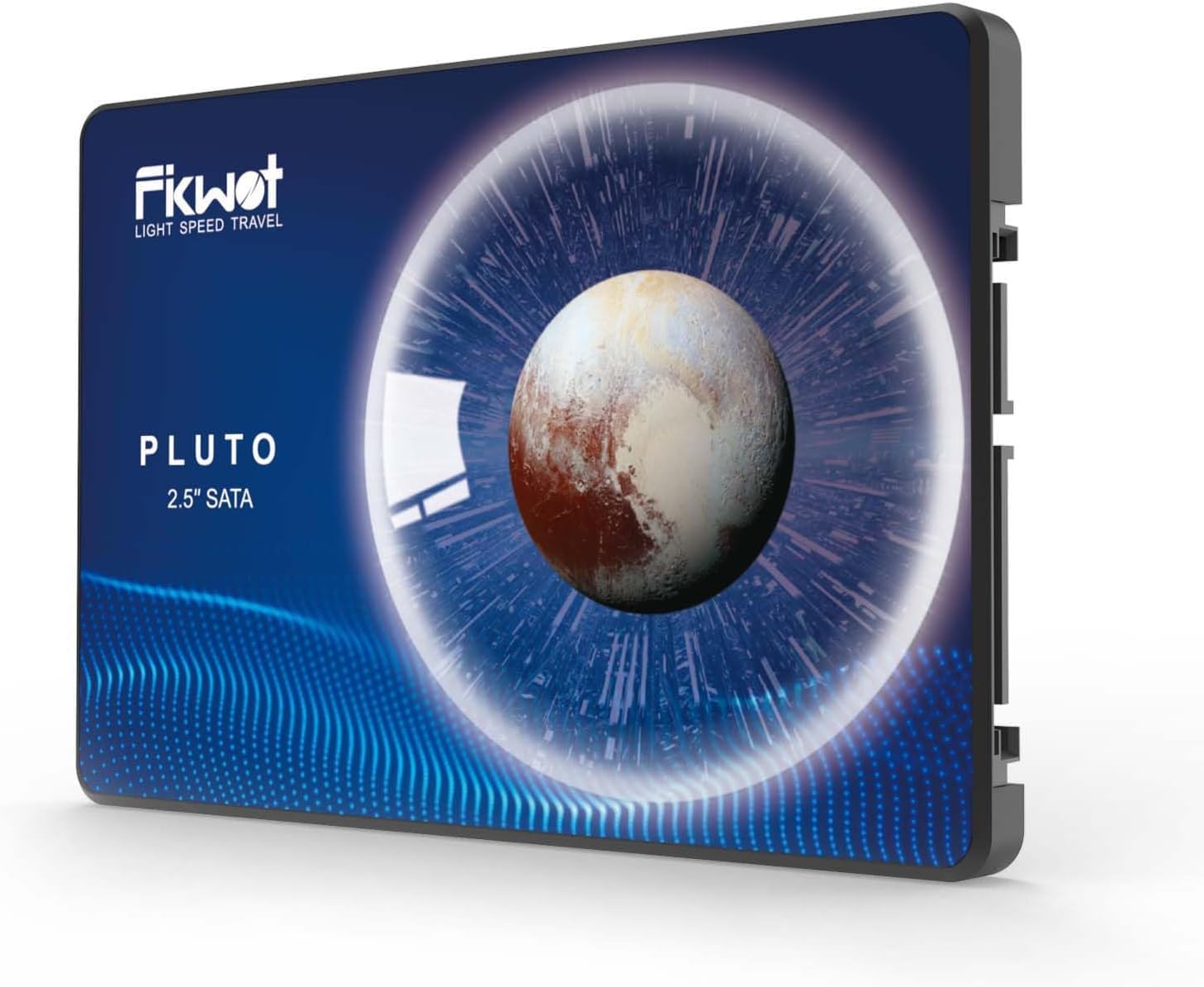
Seagate SkyHawk 4TB
Disco duro optimizado para vigilancia 24/7. Lo tengo en TrueNAS grabando las cámaras Frigate sin parar. Lleva meses sin un solo error SMART.
238.44€